Concept and direction
Define subject, material, color, camera, mood and delivery format with prompts and references.
Output: concepts / mood board / prompts ZHIHUIZHAN AI STUDIO
Connect Photoshop, Style3D, Blender, BlenderKit and Codex from concept to delivery.
 PhotoshopImage finishing
 Style3DGarment simulation
 Blender3D production
 BlenderKitAsset library
 CodexScript automation
Define subject, material, color, camera, mood and delivery format with prompts and references.
Output: concepts / mood board / promptsUse selections, Generative Fill, expansion, masks and layered grading for controlled finishing.
Output: layered PSD / textures / key artTurn a 2D direction into a 3D garment and validate drape, fit, folds and motion.
Output: 3D garment / animation / rendersStandardize scale, PBR materials, lighting, cameras, animation and final rendering.
Output: .blend / frames / videoGenerate and review bpy scripts for naming, importing, materials, cameras and render queues.
Output: Python scripts / operation logs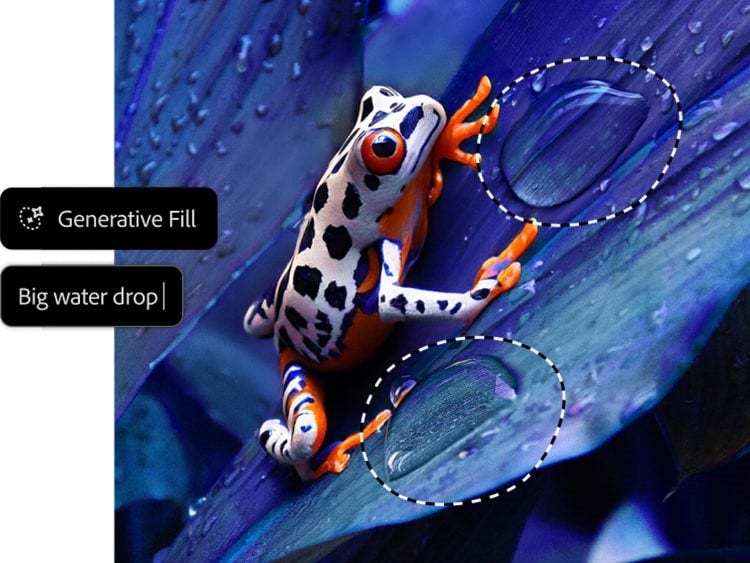 ADOBE OFFICIAL
Constrain edits with selections, generate or expand content, then finish nondestructively with layers, masks and color tools. Feature availability varies by Adobe region.
Adobe official guide ↗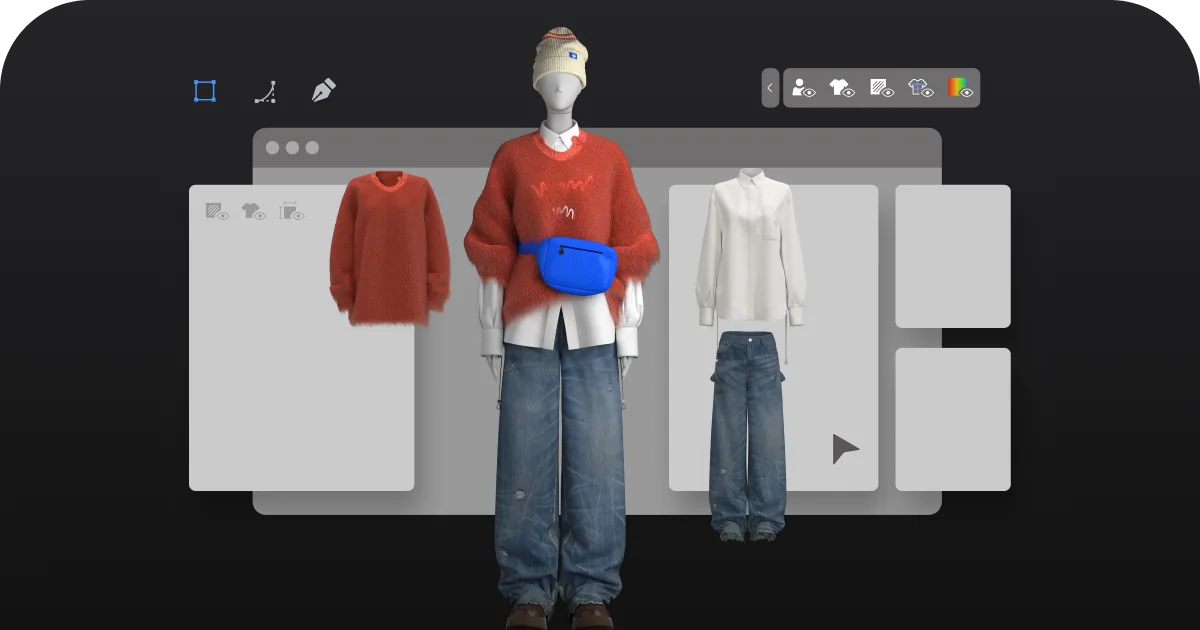 STYLE3D OFFICIAL
Combine AI inspiration, patterns, fabrics and physical simulation to validate appearance and motion before sampling.
Visit Style3D ↗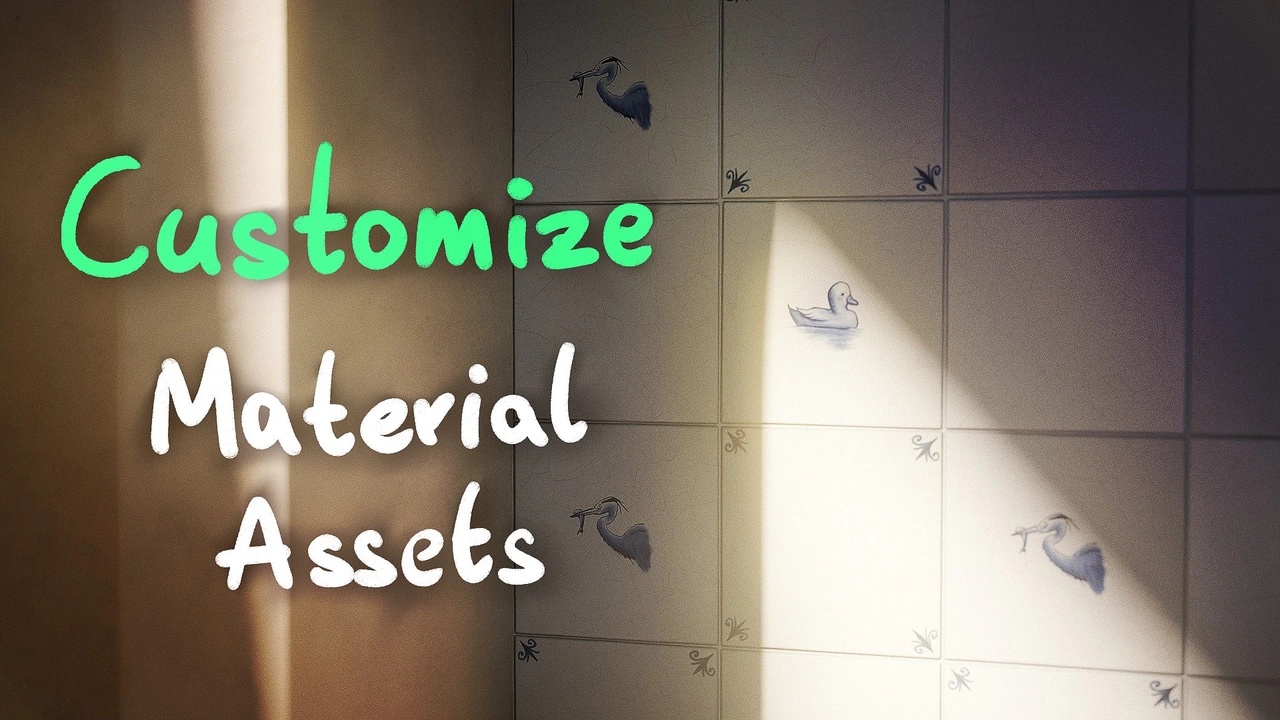 BLENDER STUDIO
Build models, materials, lighting, cameras and animation in Blender to deliver a finished 3D sequence.
Browse Blender Studio ↗Search models, materials, brushes, scenes and HDRIs inside Blender. Check license, polygon count, texture size and renderer before import, then normalize the asset for your project.
Specify objects, dimensions, materials, cameras, outputs and protected items.
Save a separate .blend file, normalize names and note the Blender version.
Require idempotent steps, exceptions and clear logging.
Run against a small sample and review console output and scene changes.
Give Codex the exact error and result; change only the failed step.
Save scripts, parameters, version details and final output.
import bpy

# Idempotent: create or reuse the main camera
camera = bpy.data.objects.get("CAM_Main")
if camera is None:
    data = bpy.data.cameras.new("CAM_Main")
    camera = bpy.data.objects.new("CAM_Main", data)
    bpy.context.scene.collection.objects.link(camera)

camera.location = (6.2, -6.2, 4.0)
bpy.context.scene.camera = camera
print("[ZHZ] Camera ready")“Write an idempotent bpy script for Blender 4.5. Do not delete existing objects. Create a main camera and three-point lighting. Prefix every new object with ZHZ_. Log each step and raise a clear exception on failure.”
AI concepts + layered Photoshop finishing
PSD / JPG / PNGStyle3D simulation + Photoshop textures
GARMENT / RENDERBlenderKit assets + Blender lighting
BLEND / EXR / MP4Codex-generated bpy automation
PY / LOG / QUEUE